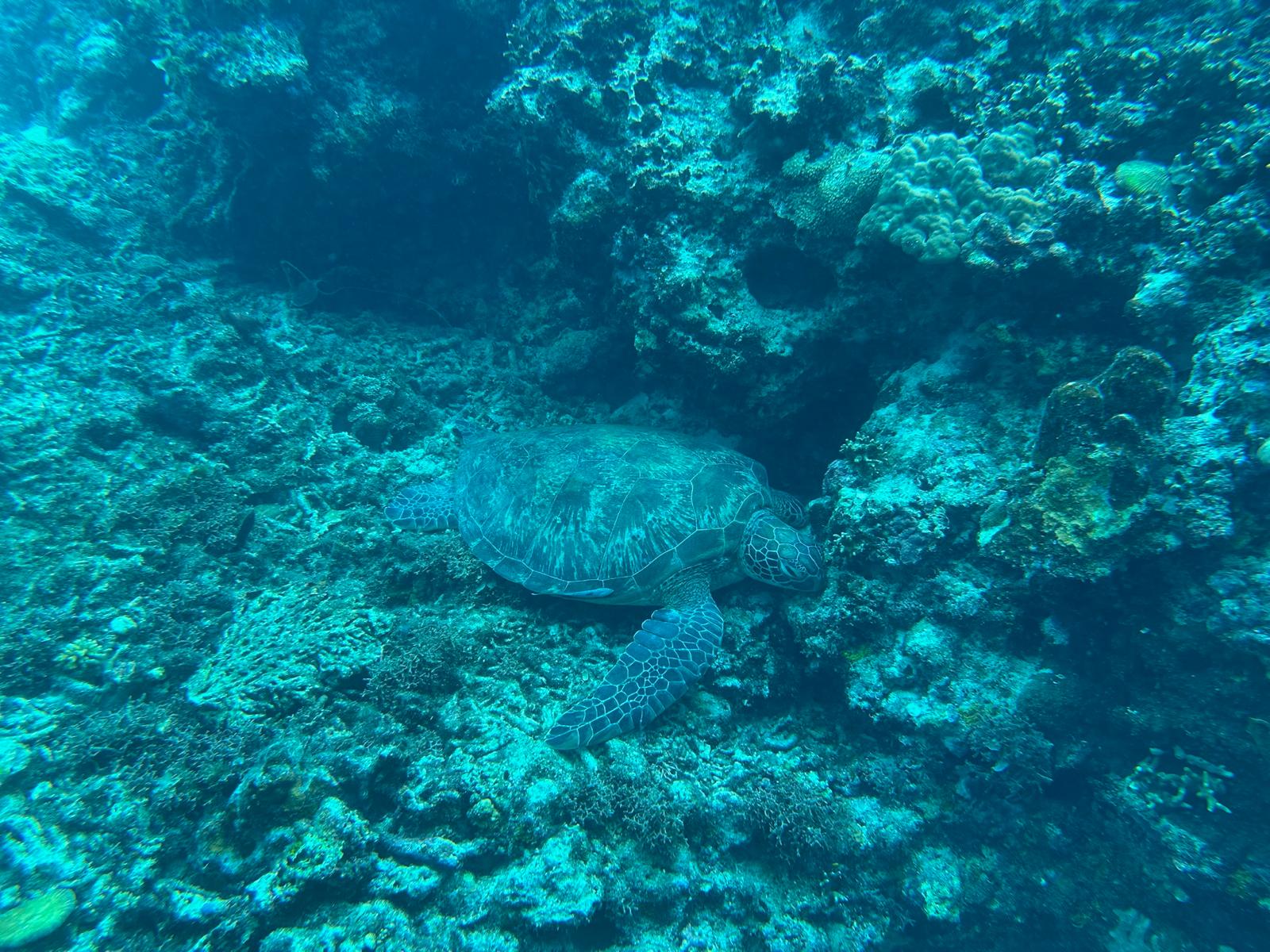
Examples
How SnapShark fits a dive trip
Colour the photos, pin the places, keep the details — here is what that looks like in practice.
Underwater colour correction
Most dive photos lose reds underwater. SnapShark restores them in your browser — no upload, no watermark — then you can save the result to a dive in your logbook.
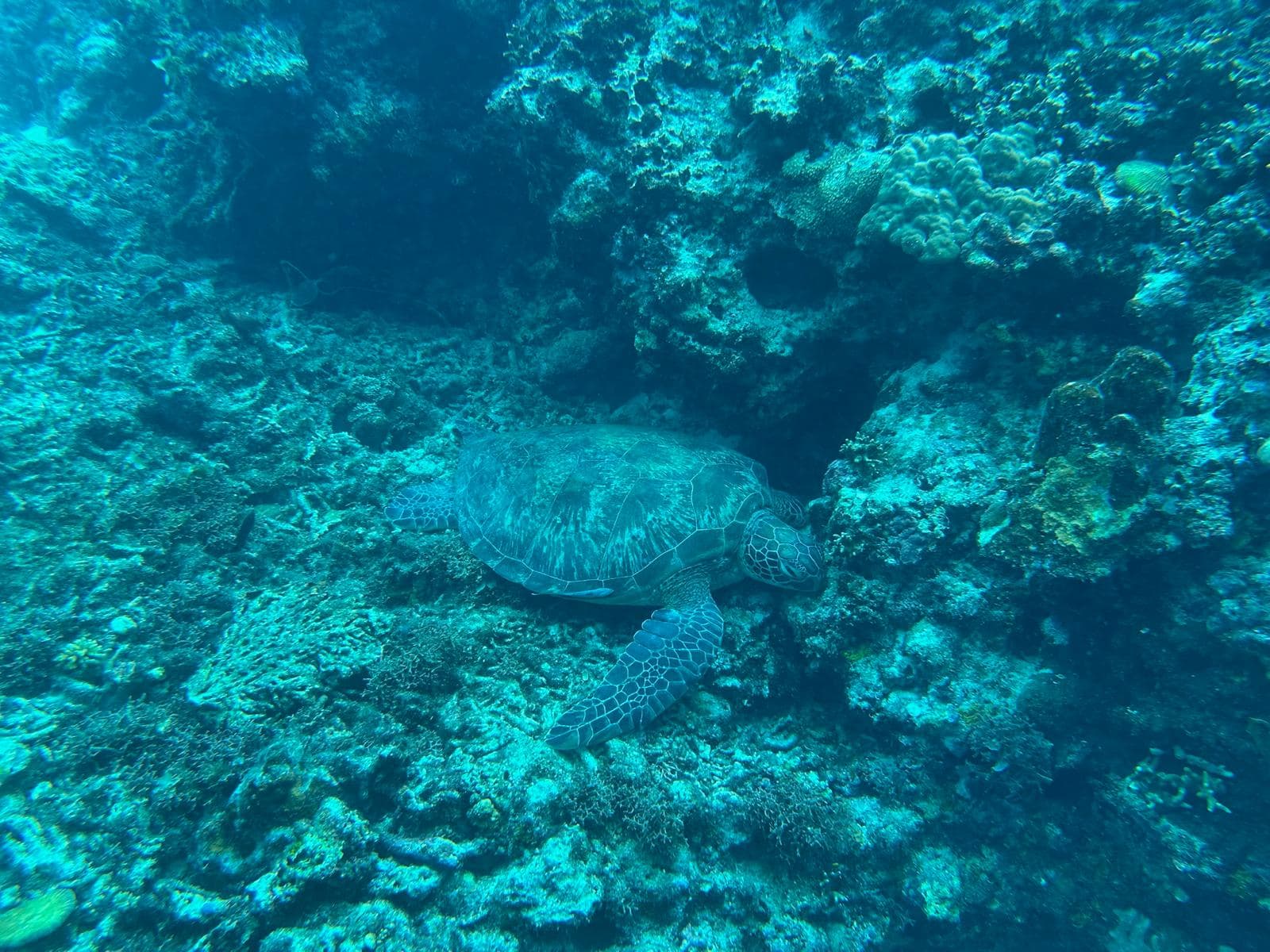
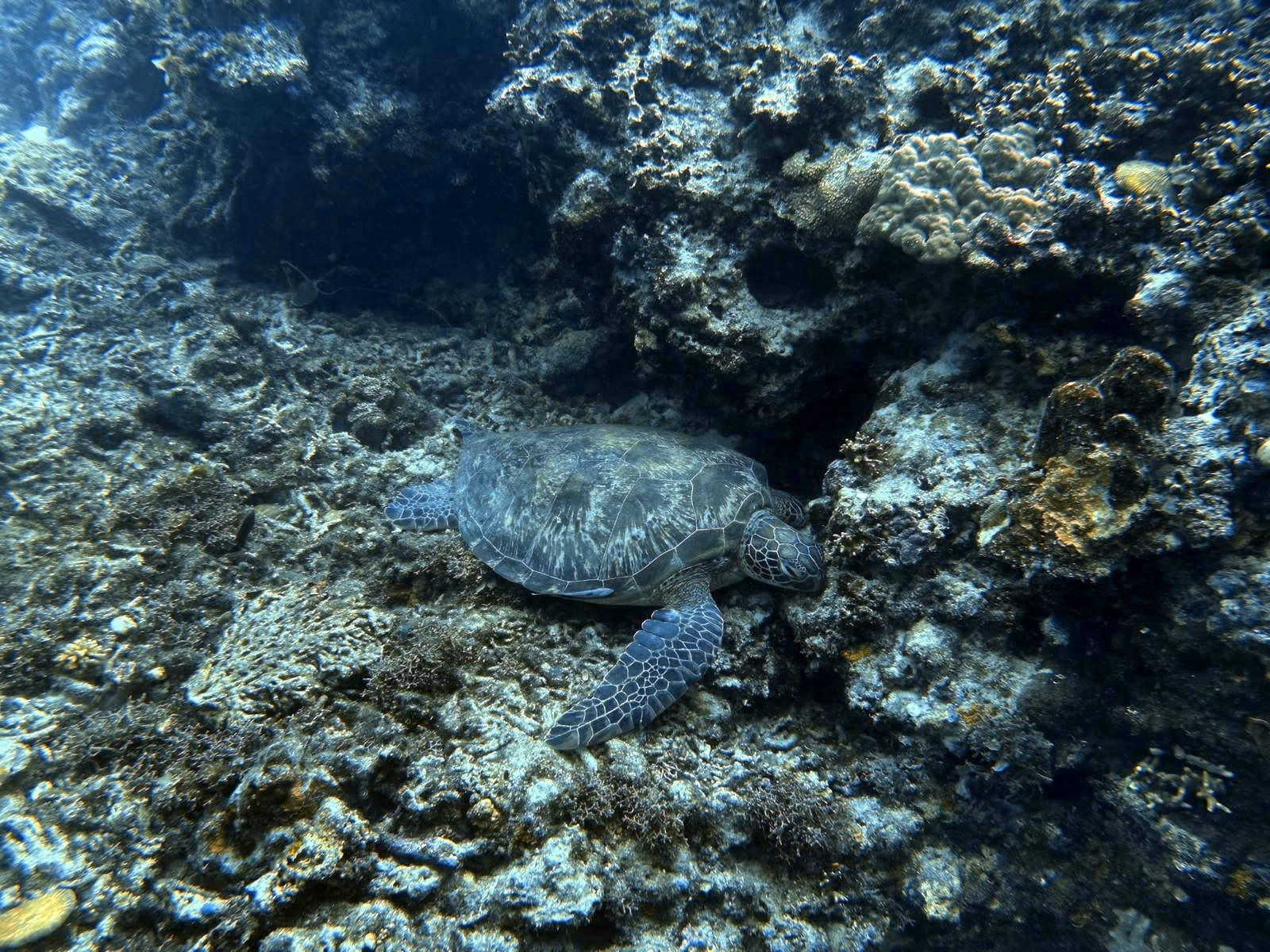
- Step 1Open Colour Fix and drop in a dive photo.
- Step 2Tune intensity until the colours feel true.
- Step 3Download, or save straight into a logbook dive.
Try with a sample dive photo
Download a blue-tinted sample, run it through Colour Fix, then attach the result to a dive in your logbook.